Odoo implementation and support
A dedicated Odoo team inside a firm that also does audit, tax and bookkeeping. We plan, implement, migrate and support Odoo.
- Odoo Community and Enterprise
- Odoo Online, Odoo.sh or on-premise, recommended honestly
- Finance setup checked by accountants
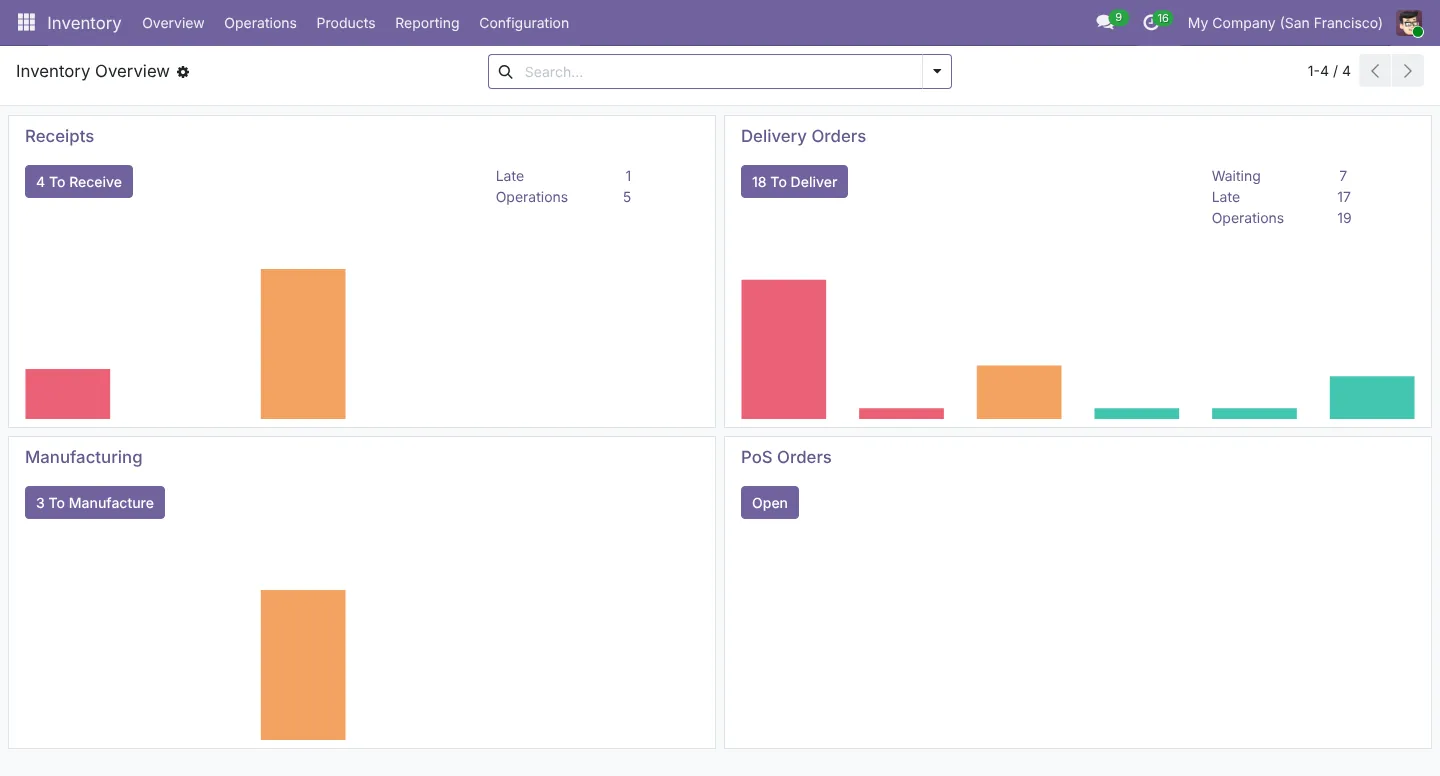
Odoo apps we implement
Grouped the way your teams work.
Accounting, Invoicing, Expenses, Budgets, Assets
CRM, Sales, Subscriptions, Rental, eSign
Inventory, Purchase, Barcode, MRP, Quality, Maintenance
Project, Timesheets, Planning, Helpdesk, Field Service
Employees, Recruitment, Time Off, Attendance, Payroll
Website, eCommerce, Email Marketing, Events, eLearning
Point of Sale, Loyalty, Discounts
Documents, Knowledge, Sign, Approvals
Dashboards, KPIs, spreadsheets and pivots
We only switch on what you need.
Your Odoo books are set up by accountants
Your chart of accounts, taxes, opening balances and reports are configured with our audit and tax team. The system is right for your accounts from day one.
Sales, purchases, stock, payroll and projects post to one ledger.
Our accountants close the month and reconcile to the bank.
Returns and statements are prepared from the same ledger.
Odoo Online, Odoo.sh or your own server
We recommend the option that fits your customization, budget and data rules, then set it up.
Odoo Online
Odoo’s own cloud. No servers, automatic upgrades, Enterprise apps included. Best when you stay close to standard Odoo.
- Hosted and upgraded by Odoo
- Studio for no-code changes
- Custom code moves to Odoo.sh when needed
Odoo.sh
Odoo’s cloud platform for customised setups, with staging branches, Git deployment and backups.
- Custom modules and integrations
- Staging and testing branches
- Managed by Odoo, extended by us
On-premise or private cloud
Community or Enterprise on your own server or cloud provider, for data-residency or heavy customization needs.
- Your server, your data location
- Community or Enterprise
- We handle setup, backups and monitoring
All 13 Odoo services
Grouped by stage of your project.
Consulting & discovery
Requirements workshops, process mapping, gap analysis and a phased roadmap. Includes an honest Odoo vs other ERP comparison.
Review of an existing Odoo setup, with a fix list for failed or stalled implementations.
Implementation
Configuration, phased rollout, user acceptance testing and go-live support.
Role-based training, manuals, short video guides and a super-user programme.
Migration & data
From legacy ERPs or older Odoo versions, including custom module upgrades and a post-upgrade audit.
Customers, vendors, products, opening balances, ledgers and inventory, each checked with reconciliation reports.
Customization & integrations
Odoo Studio changes, custom Python/XML modules, reports, automated actions and approval workflows.
Payment gateways, shipping carriers, bank feeds, marketplaces, WhatsApp/SMS, email, biometric devices and third-party APIs.
Dashboards, custom reports, KPI design and spreadsheet/pivot analytics.
Localization & compliance
Chart of accounts, tax rules, e-invoicing, payroll rules, multi-company and multi-currency setup.
Support, hosting & team
Support plans with agreed response times. They cover fixes, performance, backups and security reviews.
Odoo.sh, on-premise or cloud deployment, staging environments and monitoring.
Dedicated Odoo developers or functional consultants working inside your team.
Integrations
Connect Odoo to the tools you already use.
| Integration | Typical connection points | What you get |
|---|---|---|
| Payments | Payment gateways, card terminals, payment links | Faster collection, auto-reconciled receipts |
| Shipping | Couriers, rates, labels, tracking | Orders ship from Odoo with tracking sent automatically |
| Banking | Bank feeds and statement imports | Daily reconciliation instead of month-end catch-up |
| Marketplaces | Online stores and marketplaces | Orders, stock and prices in sync |
| Messaging | WhatsApp, SMS, email | Quotes, invoices and reminders sent from Odoo |
| Attendance | Biometric devices and kiosks | Attendance flows straight into payroll |
| Custom | REST / XML-RPC / JSON-RPC APIs | Any system with an API connected to Odoo |
What an implementation includes
We configure Odoo around your processes, migrate your data, test with your users and stay with you through go-live, on Odoo Online, Odoo.sh or your own server.
- Solution design and fit-gap sign-off
- Configuration of the agreed apps
- Data migration with reconciliation reports
- Phased rollout, one area at a time
- User acceptance testing with your team
- Role-based training and user guides
- Go-live support and hypercare
What you get at go-live
Odoo implementation
- Configured Odoo database (staging and live)
- Migrated and reconciled opening data
- Signed-off UAT test scripts
- Role-based user guides
- Admin handover: database, hosting and code access
- Go-live support window
Scope and timeline are agreed in writing before work starts.
Community or Enterprise?
Compared honestly before you commit.
| Topic | Odoo Community | Odoo Enterprise |
|---|---|---|
| Licence | Free and open source | Subscription per internal user |
| Where it runs | Your own server or cloud | Odoo Online, Odoo.sh or your own server |
| Apps | Core apps: Sales, CRM, Invoicing, Purchase, Inventory, Manufacturing, POS, Website, Project | All Community apps plus full Accounting, Studio, Helpdesk, Planning, Payroll, Quality, Rental, Subscriptions and more |
| Upgrades | Open-source scripts or data migration | Odoo’s upgrade service |
| Support | From your implementation partner | Odoo support for standard apps, plus your partner |
| Best for | Tight budgets and simple processes, with in-house technical help | Most growing businesses, especially finance-heavy ones |
Who it’s for
- Companies replacing spreadsheets, QuickBooks, Xero or Tally
- Growing teams that need one system for finance, sales and stock
- Groups running several companies or currencies
- Odoo users on an old version, or with a stalled project
Implementation questions
How long does implementation take?
A focused rollout of a few apps often takes a few weeks. Multi-company, manufacturing or heavily customised projects usually take several months. We agree a phased timeline in the discovery stage.
What do we need to prepare?
A project owner on your side who can make decisions, clean master data (customers, vendors, products, chart of accounts, opening balances), samples of the documents and reports you use today, and time for workshops and testing.
Why do Odoo projects fail, and how do you avoid it?
The reasons that come up again and again on Odoo’s forum and in rescue projects: unclear scope, too much customisation, poor data, no owner inside the business, and skipped testing or training. We fix scope in writing, stay close to standard, reconcile data before go-live and train each role.
Should we go live all at once or in phases?
Usually in phases: finance and sales first, then stock, manufacturing or HR. Each phase is tested and signed off. A single go-live can work for small companies with simple processes.
How an Odoo project runs
Six steps, with a sign-off at the end of each.
Discover
Workshops, process maps and a scoped plan.
Design
Solution design, fit-gap and data plan.
Build
Configuration, customization and integrations.
Migrate
Data import with reconciliation checks.
Train
Role-based training and a super-user programme.
Support
Go-live care, then an ongoing support plan.
See Odoo in action
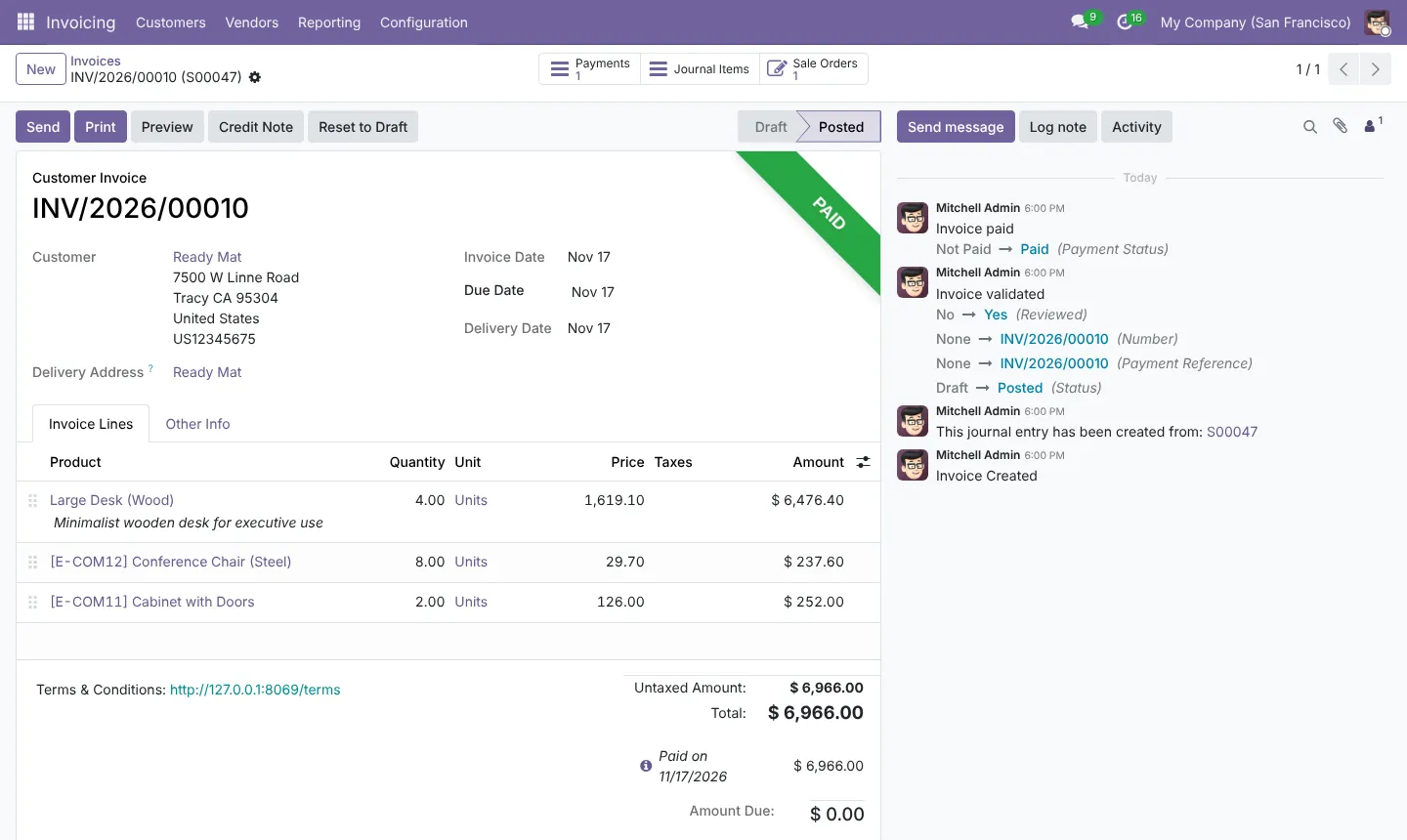
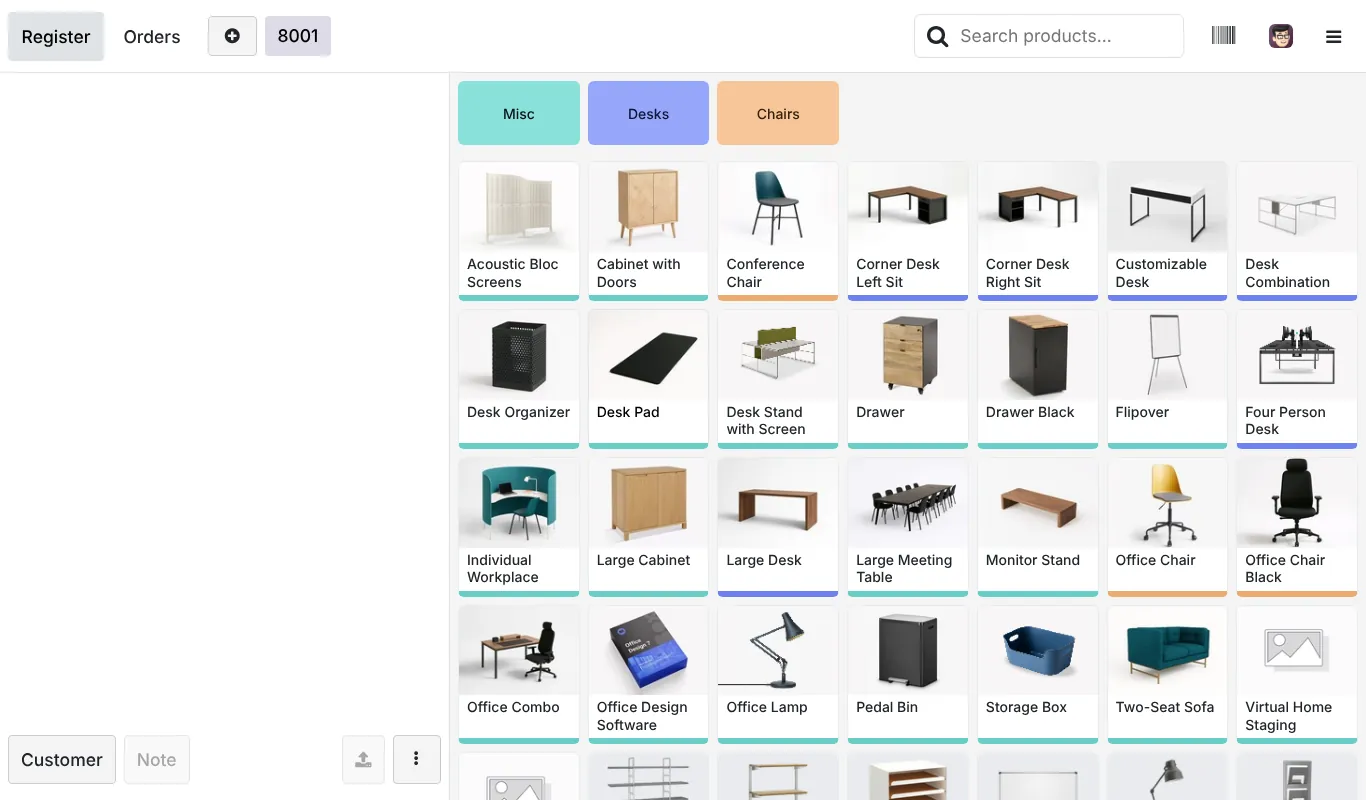
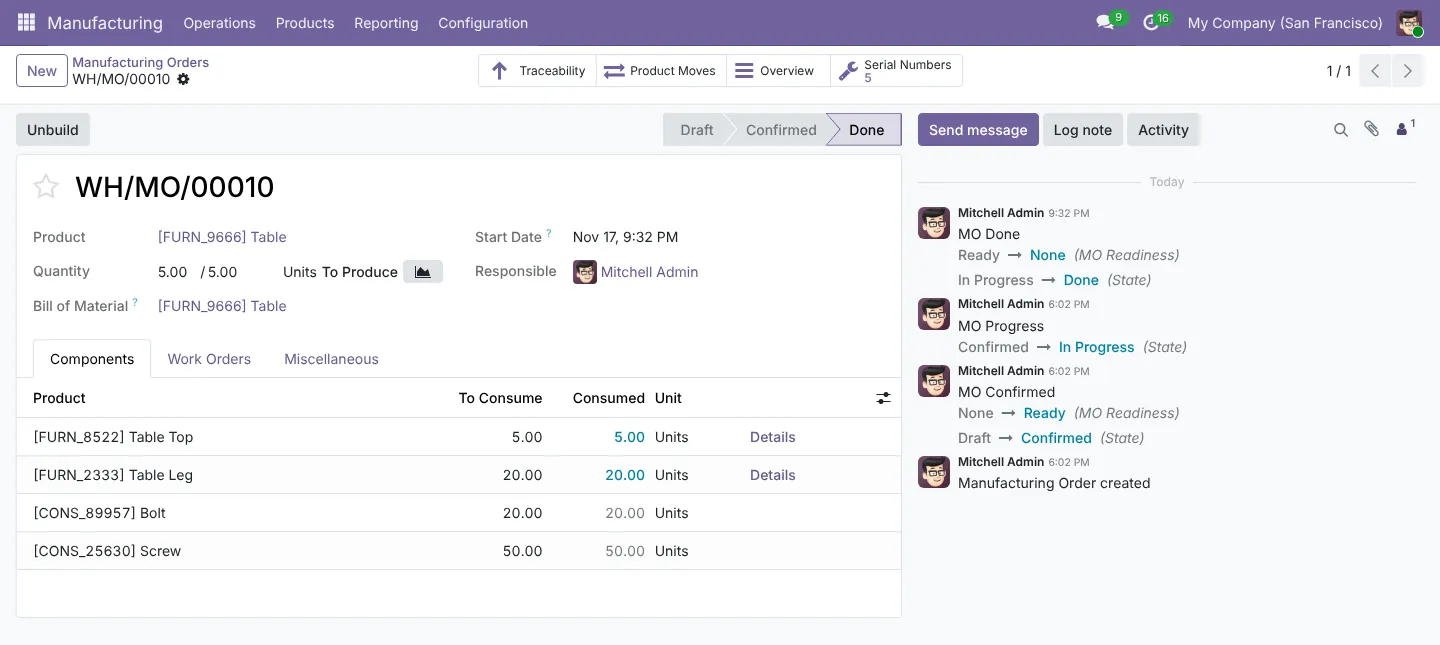
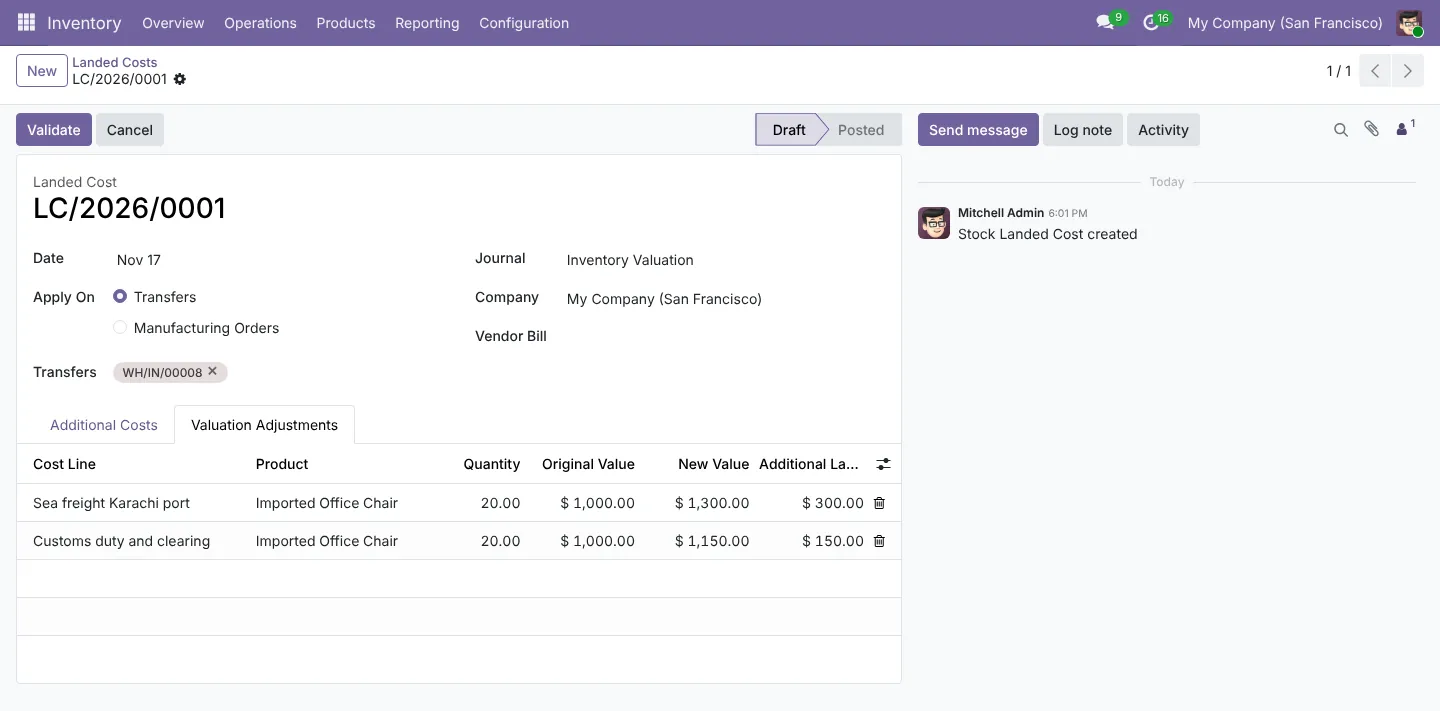
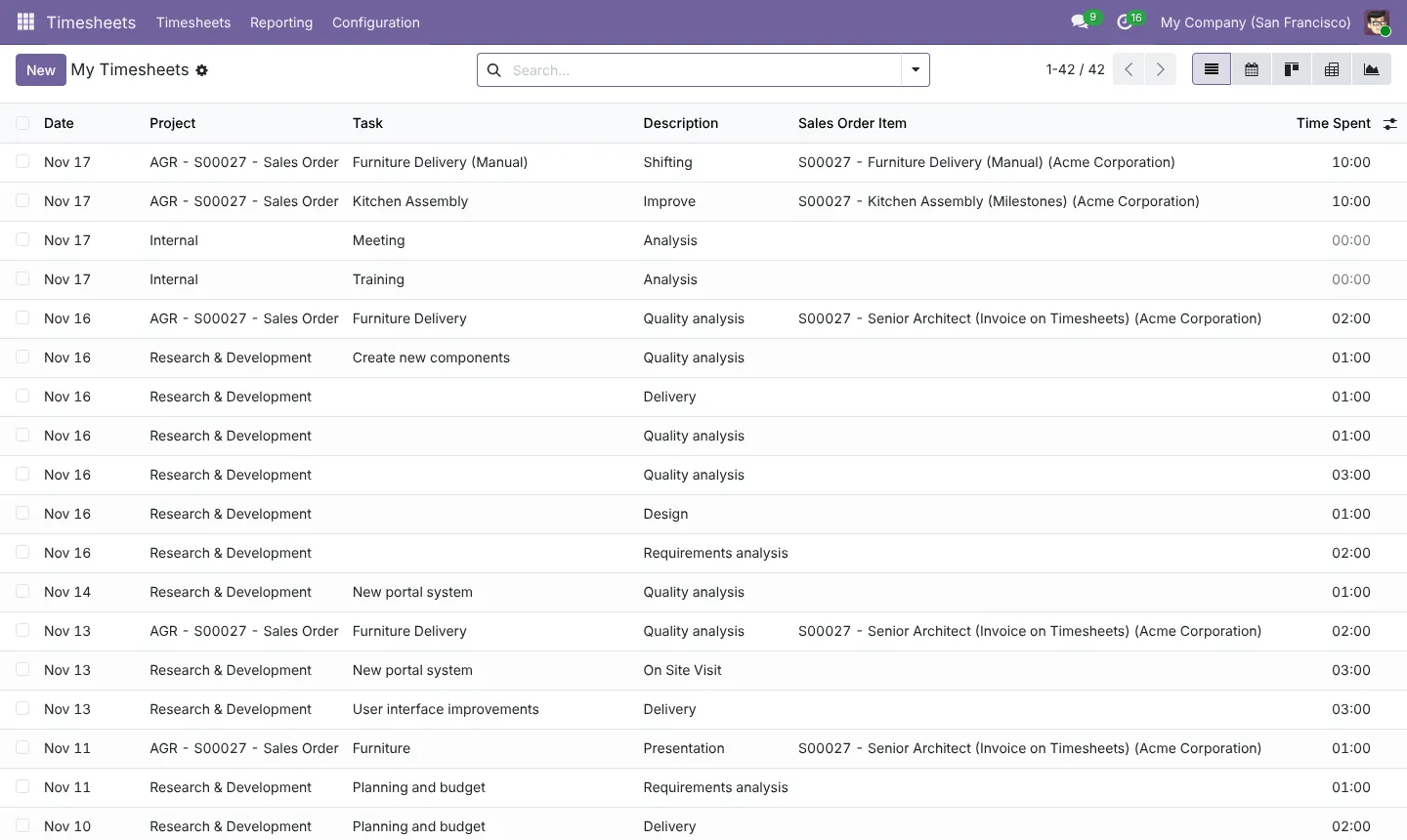
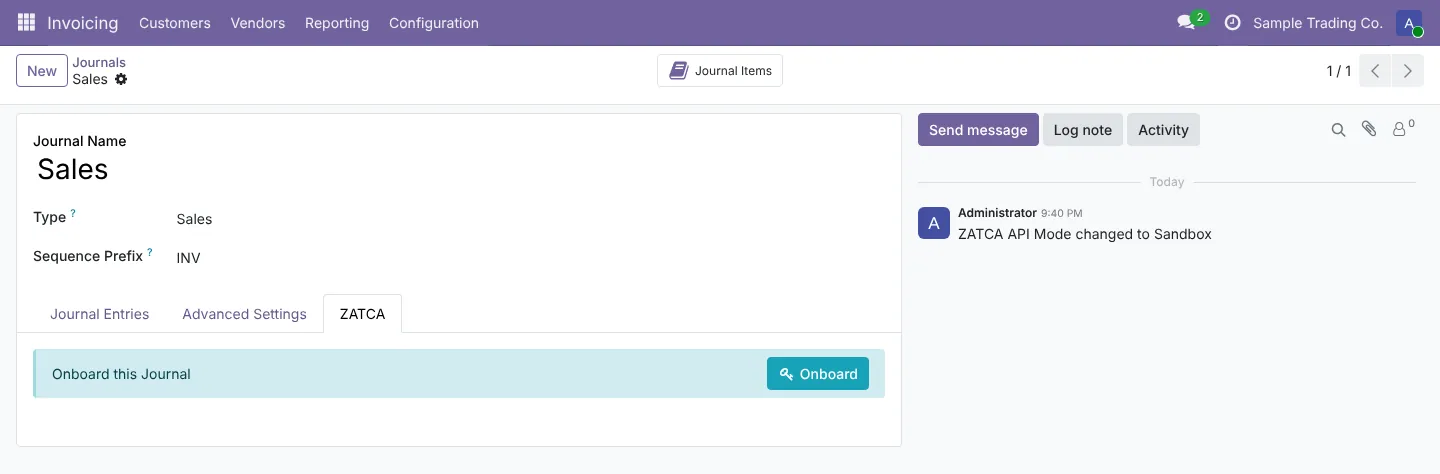
Screens from a live Odoo 19 database our team runs. Each one comes from our step-by-step guides.
Step-by-step Odoo guides
Written by our Odoo team, with real screenshots at every step.
Sales: from lead to paid invoice
Read the guidePurchase, receipt and vendor bill
Read the guideLanded costs: freight and customs
Read the guideYour first manufacturing order
Read the guideA day in Point of Sale
Read the guideZATCA e-invoicing setup in Saudi Arabia
Read the guideProjects, timesheets and billing
Read the guideOdoo Online, Odoo.sh or on-premise?
Read the guideOdoo by industry
The same platform, set up differently for each sector.
Retail & distribution
POS, inventory and multi-branch stock
View pageManufacturing
MRP, quality, maintenance and costing
View pageTrading & wholesale
Purchase, landed costs and pricelists
View pageConstruction & real estate
Projects, progress billing and rentals
View pageProfessional services
Projects, timesheets and billing
View pageHealthcare
Appointments, stock expiry and billing
View pageWays to work with us
Pick the model that fits your project and budget.
Fixed-scope project
A defined implementation, migration or build with an agreed price and timeline.
Monthly support plan
A block of hours each month for fixes, small changes and advice.
Odoo team on demand
A dedicated functional consultant or developer working inside your team.
Odoo questions, answered
How much does an Odoo implementation cost?
It depends on the number of users, apps, data volume, integrations and customisation. After a discovery call we send a fixed-scope quote that lists every cost line, so there are no surprises later.
How is Odoo licensed?
Odoo Enterprise is a subscription billed per user. Odoo’s pricing page lists a One App Free plan, a Standard plan and a Custom plan. Prices depend on country, plan and billing period, so we quote from odoo.com/pricing on the day rather than printing figures that change.
Should we choose Odoo Community or Enterprise?
Community is free and open source. Enterprise adds licensed apps, Studio, the official upgrade service and Odoo’s support. We compare both against your requirements, with the cost difference, before you decide.
Can we use custom modules on Odoo Online?
No. Odoo’s documentation says Odoo Online is not compatible with custom modules or modules from the Odoo Apps Store. Studio changes do work. If you need custom code, use Odoo.sh or your own server.
How long does implementation take?
A focused rollout of a few apps often takes a few weeks. Multi-company, manufacturing or heavily customised projects usually take several months. We agree a phased timeline in the discovery stage.
Need accounting or tax help as well?
Our accounting practice handles audit, tax, VAT and company setup.
Plan your Odoo project
Tell us what you run today and what Odoo needs to do. We reply with next steps and a discovery call slot.