Odoo for startups and SMEs
A lean Odoo setup for sales, invoicing and accounting that grows with you, one app at a time.
What startups & smes businesses tell us
The problems we hear most often in discovery calls.
Too many tools
CRM, invoicing and spreadsheets don’t talk to each other.
Books behind
Bookkeeping is done months late, so you don’t know your numbers.
Outgrowing basic software
Entry-level accounting software can’t handle stock, projects or several companies.
Odoo apps we set up
Only what you need is switched on.
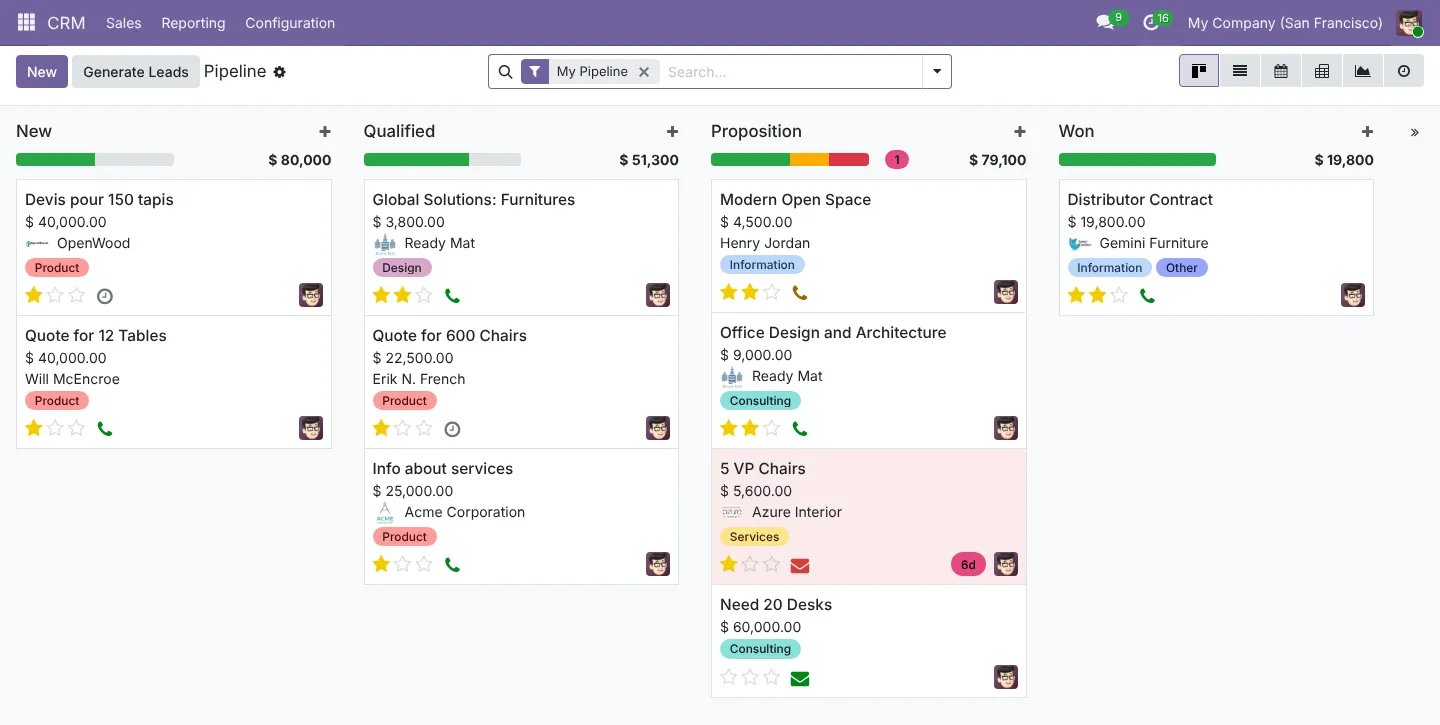
CRM
Pipeline, activities and sales forecasts.
Sales and invoicing
Quotations, online signature and payment, and invoices.
Accounting Enterprise
Bank reconciliation, VAT and financial reports.
Website
Website, forms and live chat.
Project
Projects and tasks for delivery.
Employees and expenses
Staff records, time off and expense claims.
Apps marked Enterprise need an Odoo Enterprise subscription. On Community we use the nearest free app or a module, and say so in the proposal.
How the workflow runs in Odoo
From the first document to the books.
Start
Begin with CRM, Sales and Invoicing.
Books
Add Accounting and bank feeds.
Grow
Add Inventory, Project or HR when needed.
Scale
Add companies, branches or currencies.
Review
Monthly reports come from the same system.
See it in Odoo
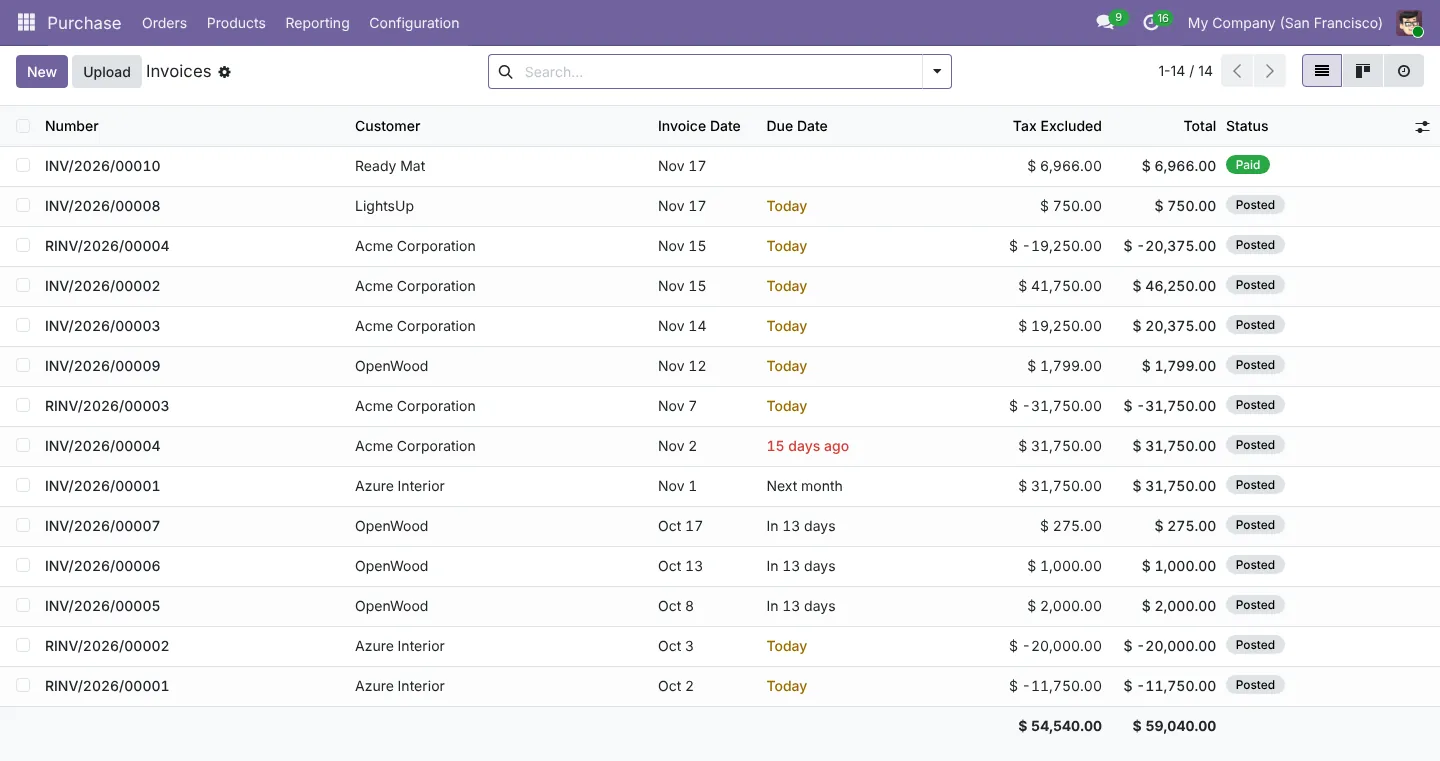
Screens from a live Odoo 19 database. Your setup uses your own products, customers and reports.
What you can see every day
- Pipeline and win rate
- Monthly revenue and cash
- Receivables and overdue invoices
- Profit and loss by month
- Expenses by category
- VAT payable
Worth knowing
Before you decide
Odoo’s pricing page lists a One App Free plan for a single app with unlimited users on Odoo Online, and paid Standard and Custom plans. We help you choose the plan and keep the setup small until you need more.
Tax and localisation in your market
Set up and checked by our accounting and tax team, not left to defaults.
Saudi Arabia
Odoo’s Saudi localisation covers VAT and ZATCA Phase 2 e-invoicing, including simplified invoices from Point of Sale, plus a Saudi payroll localisation. We test the ZATCA onboarding in the simulation environment before going live.
UAE
Odoo’s UAE localisation includes the VAT return and a Corporate Tax report, and Odoo lists a UAE payroll localisation. Our tax team checks tax codes and report mapping against your registrations.
Pakistan
Pakistan is on Odoo’s list of supported fiscal and payroll localisations. We check the chart of accounts and set up FBR sales tax, provincial sales tax on services and withholding rules for your business. FBR digital invoicing needs an integration, which we scope separately.
Common questions
Can we start with one app?
Yes. Many companies start with CRM or Invoicing and add apps later without migrating.
Is there a free option?
Yes. Odoo Community is free to self-host, and Odoo Online offers a One App Free plan. Check odoo.com/pricing for current terms.
Can you also do our bookkeeping in Odoo?
Yes. Our accounting practice can keep your books in your Odoo database every month.
How much setup do we need?
For a small company, often only a few apps, master data and opening balances. We keep the scope small and fixed.
Plan your Odoo project
Tell us what you run today and what Odoo needs to do. We reply with next steps and a discovery call slot.